Skip to Main

A lesson, step by step

What a lesson actually looks like

From the reminder email the day before to the homework in your dashboard afterwards. No surprises, no software to install.

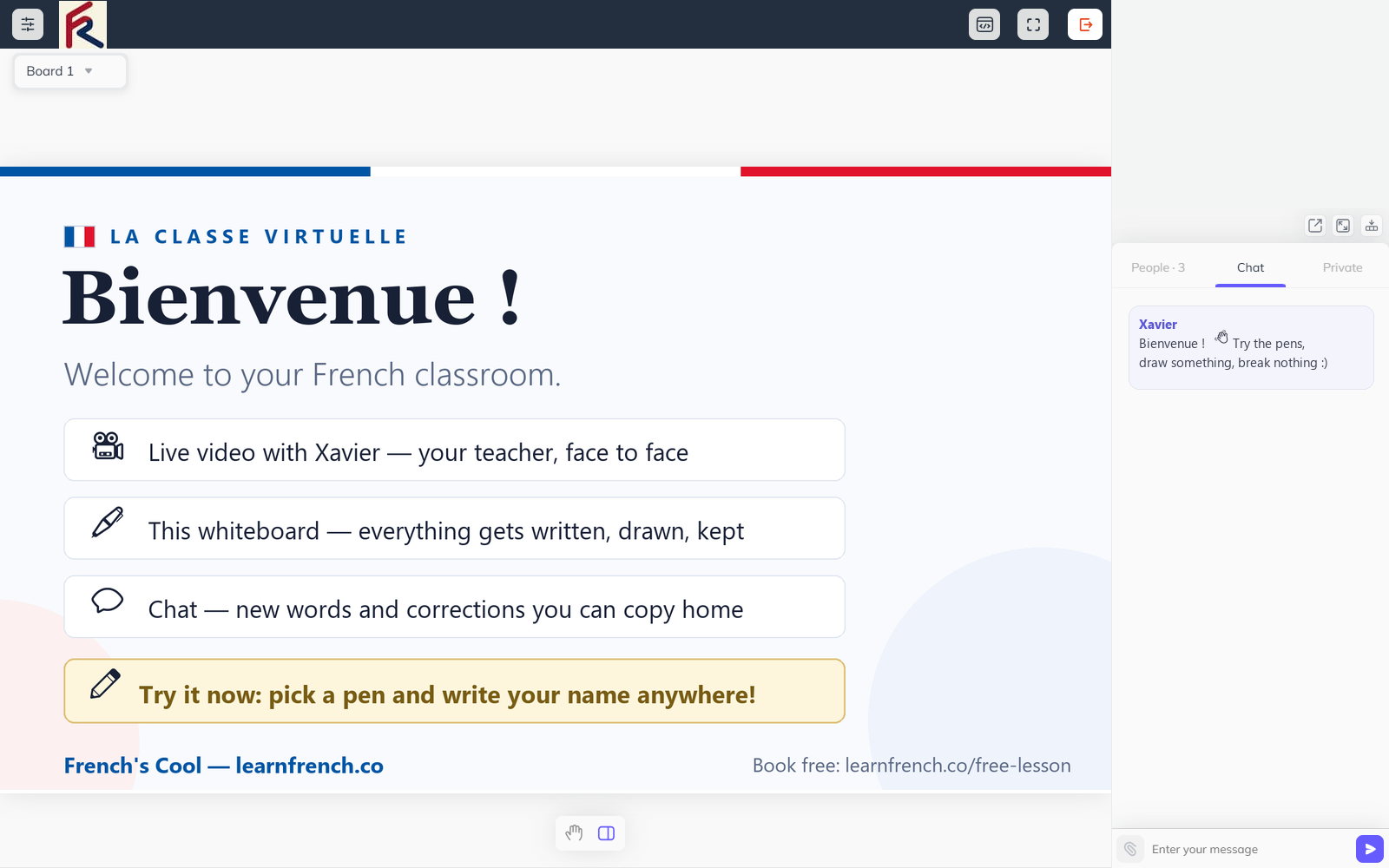
The online classroom with the shared whiteboard open: screenshot needed (4:5)

01

Before the lesson

1 day before

A day before our session, you’ll get a short email reminder with the join link for the classroom. There’s nothing to install. The link opens in your browser.

A few minutes before the lesson, open the link, click “Allow” when your browser asks for access to your microphone and camera, and you’ll be in the waiting view. I’ll join at the agreed time.
02

The first few minutes

about 5–10 minutes

We say hello, in French if you can manage it, in English if it’s still your first weeks. I’ll ask how your week’s been, partly because I genuinely want to know, partly because it’s the most natural way for me to hear how your French is doing today.

If we had a previous lesson, we’ll quickly check in on it: did the homework make sense? Anything you want to revisit before we move on? This part isn’t a quiz. It’s just making sure nothing got left behind.

03

The main work

30–40 minutes of a 60-minute lesson

This is where most of the lesson lives. What we do depends entirely on what you signed up for and what we’d agreed last time.

The shared whiteboard stays open the whole time. I write on it, you write on it, and everything we put there is saved to your dashboard for after the lesson. Corrections happen as we go: gently, in the moment, on one or two patterns at a time. I don’t try to fix everything, because that would exhaust both of us and teach you nothing. If you’re stuck on a word, I’ll either drop a translation in the chat or rephrase the sentence so you can keep going. The goal is to keep you talking, not to interrupt every time something isn’t perfect.

04

The last few minutes

the last 10 minutes or so

We summarize what we covered today and check that the key points landed. I’ll tell you what I’m planning to send for homework and roughly how long it’ll take. I’d rather assign fifteen minutes that you actually do than an hour that gathers dust.

We agree what to focus on next time. If something from today felt unfinished, we put it on the list. If you have a trip or a deadline coming up, we shape the next sessions around it.

05

After the lesson

within a day

Within a day, I share two things in your student dashboard:

  • 1A short homework task built around what we covered.
  • 2A one or two-page manual explaining the grammar or vocabulary from the lesson, so you have something to read on your own.

If you chose to record the lesson, the recording is in your dashboard too, usually within an hour.

Optional: if you want me to look at your homework before our next session, send it back through the dashboard. I’ll either reply with quick notes or use the first few minutes of our next lesson to go through it together.

06

Between lessons

until your next booking

Between lessons, the free library keeps your French ticking over, with 1,600+ lessons, games and audio charts to explore at your own pace.

Need to move a lesson? Reschedule it from your dashboard up to 24 hours before it starts. Got a question in the meantime? Send me a message on WhatsApp or by email and I’ll get back to you within one working day.

Browse the free library

The classroom

Nothing to install, nothing to lose

The classroom runs in your browser: video, chat, and a shared whiteboard that saves everything we write to your dashboard. You can try it before you book a lesson.

A shared whiteboard part-way through a French lesson

See it for yourself

On commence ?

Your first 20-minute lesson is free. It follows exactly the shape above, minus the homework: we talk, I find your level, and you decide afterwards.

Chat on LINE